Auction history database
Auction & salvage vehicle history
Look up any VIN — photos, specifications, damage, odometer and the final auction bid.
On sale now
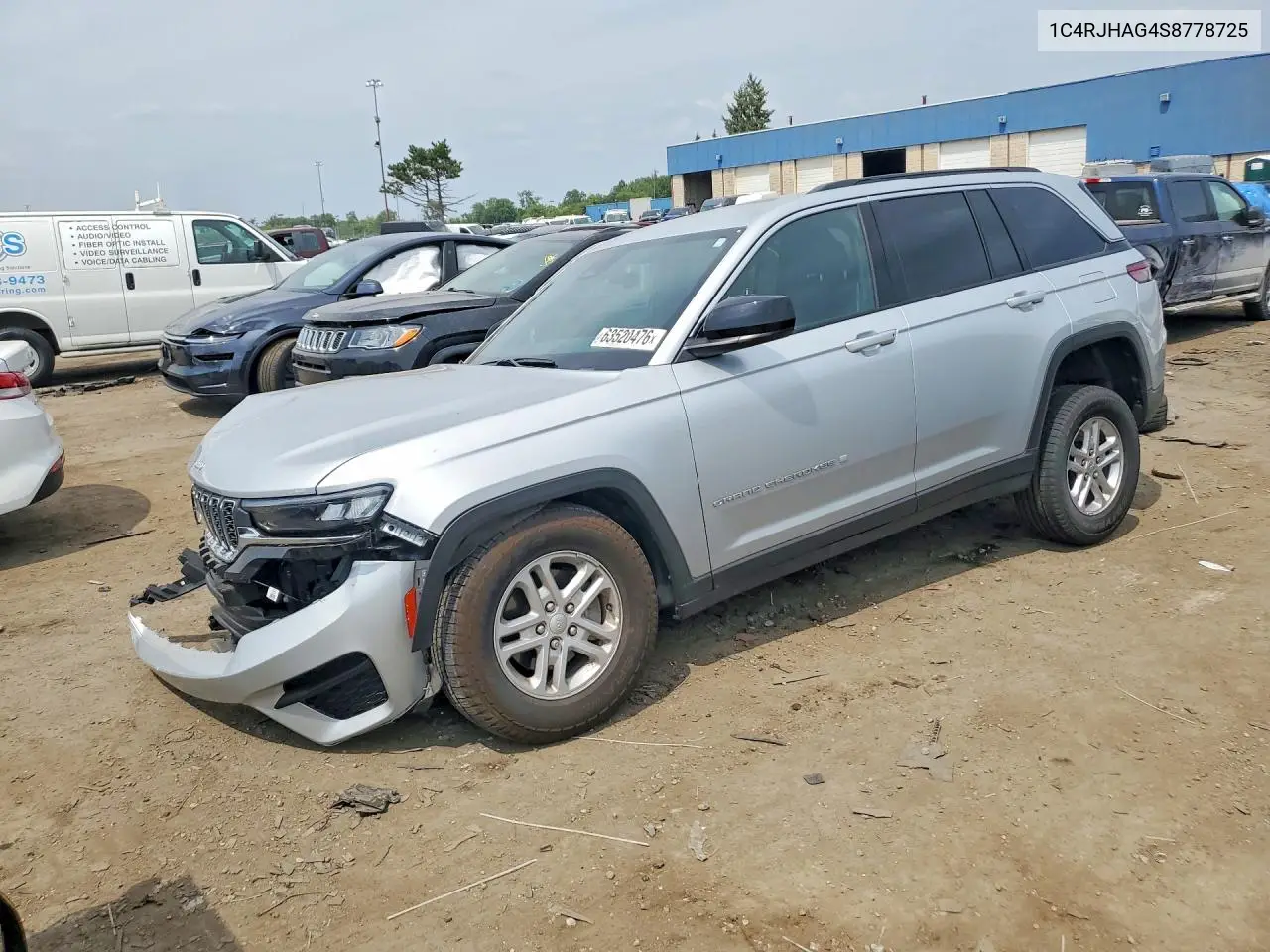 For sale
 2025 Jeep Grand Cherokee
VIN 1C4RJHAG4S8778725
10,495 mi · Front End
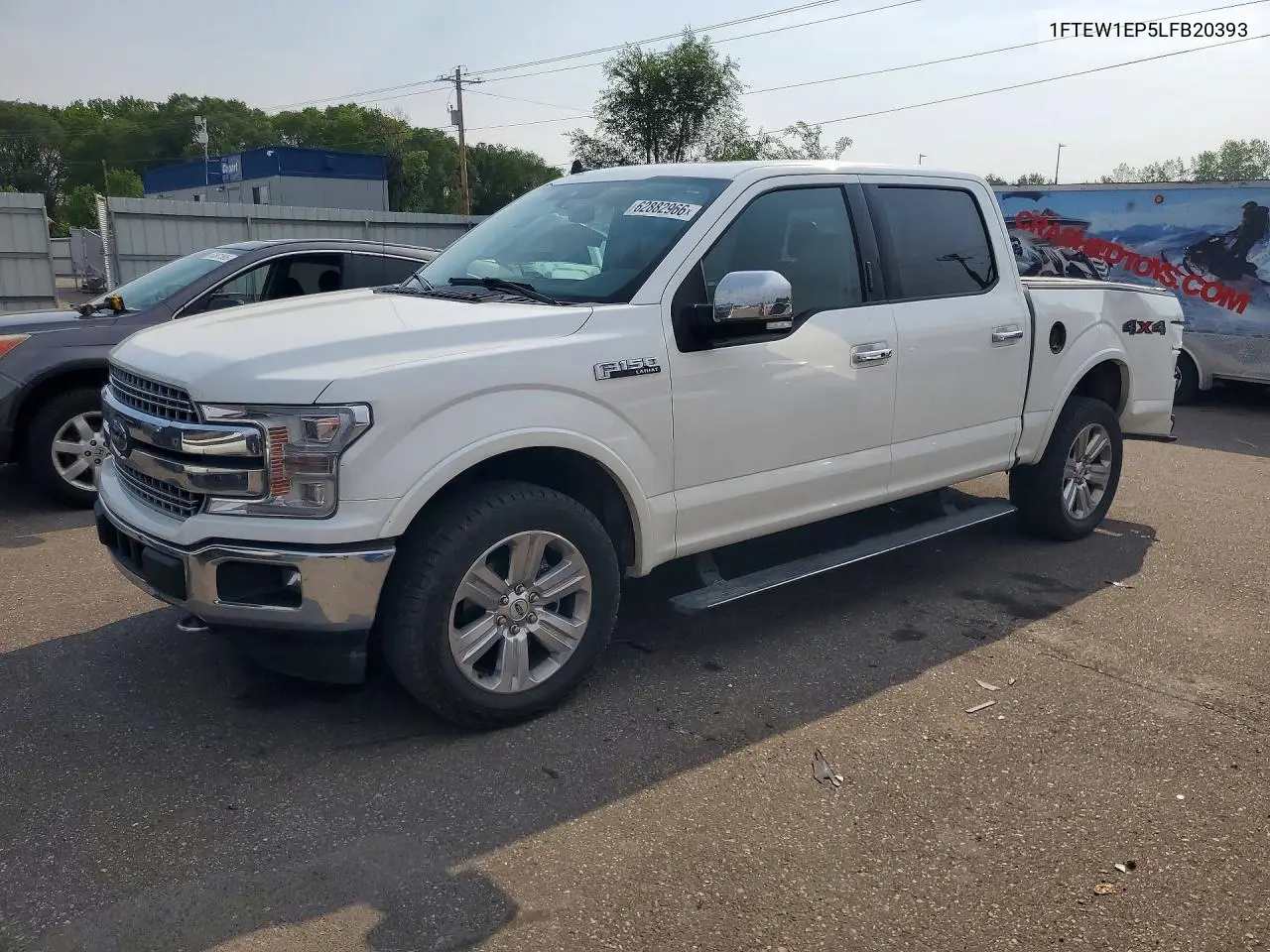 For sale
 2020 Ford F-150
VIN 1FTEW1EP5LFB20393
109,431 mi · Rear End
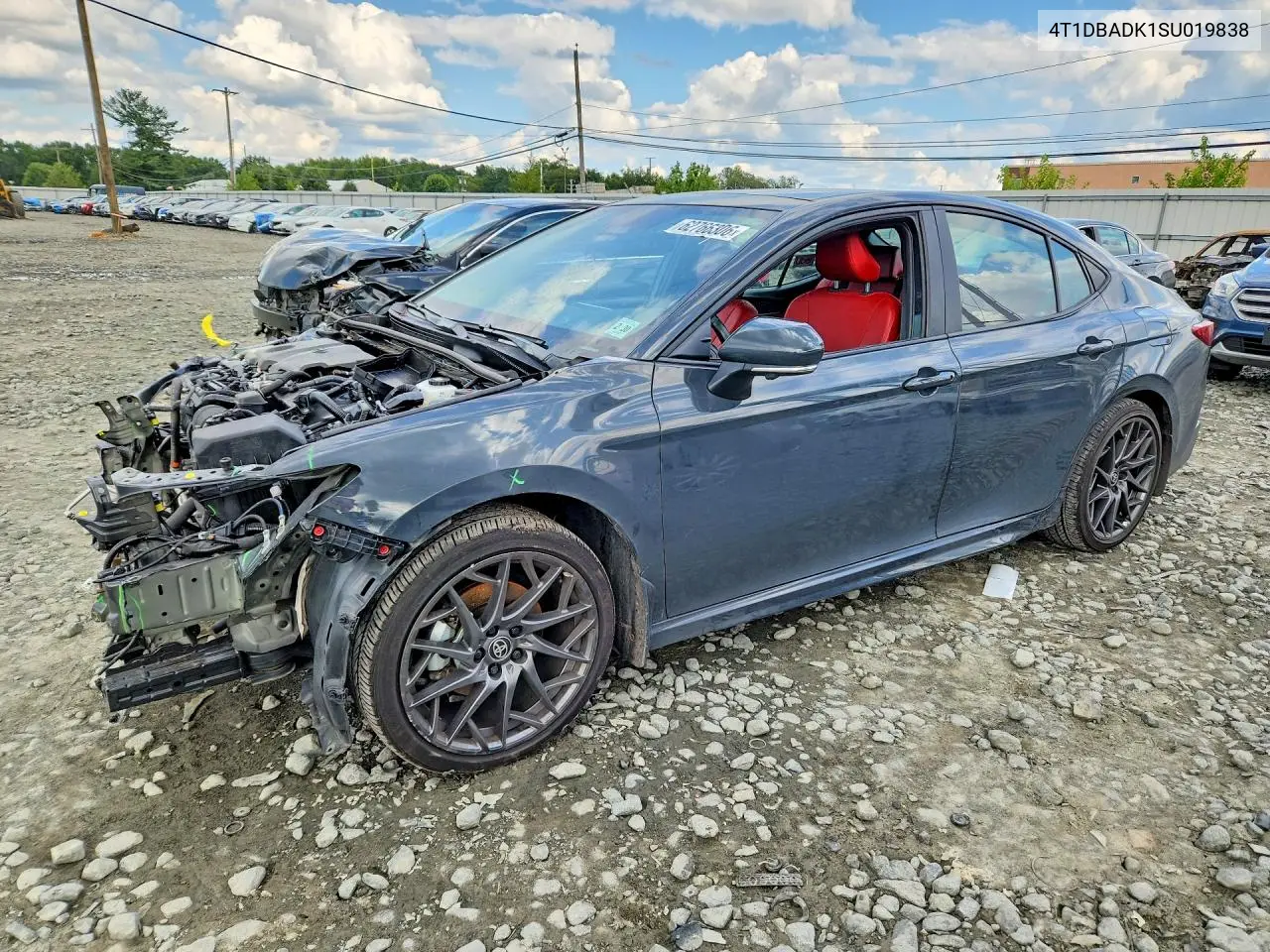 For sale
 2025 Toyota Camry
VIN 4T1DBADK1SU019838
67,111 mi (not actual) · Front End
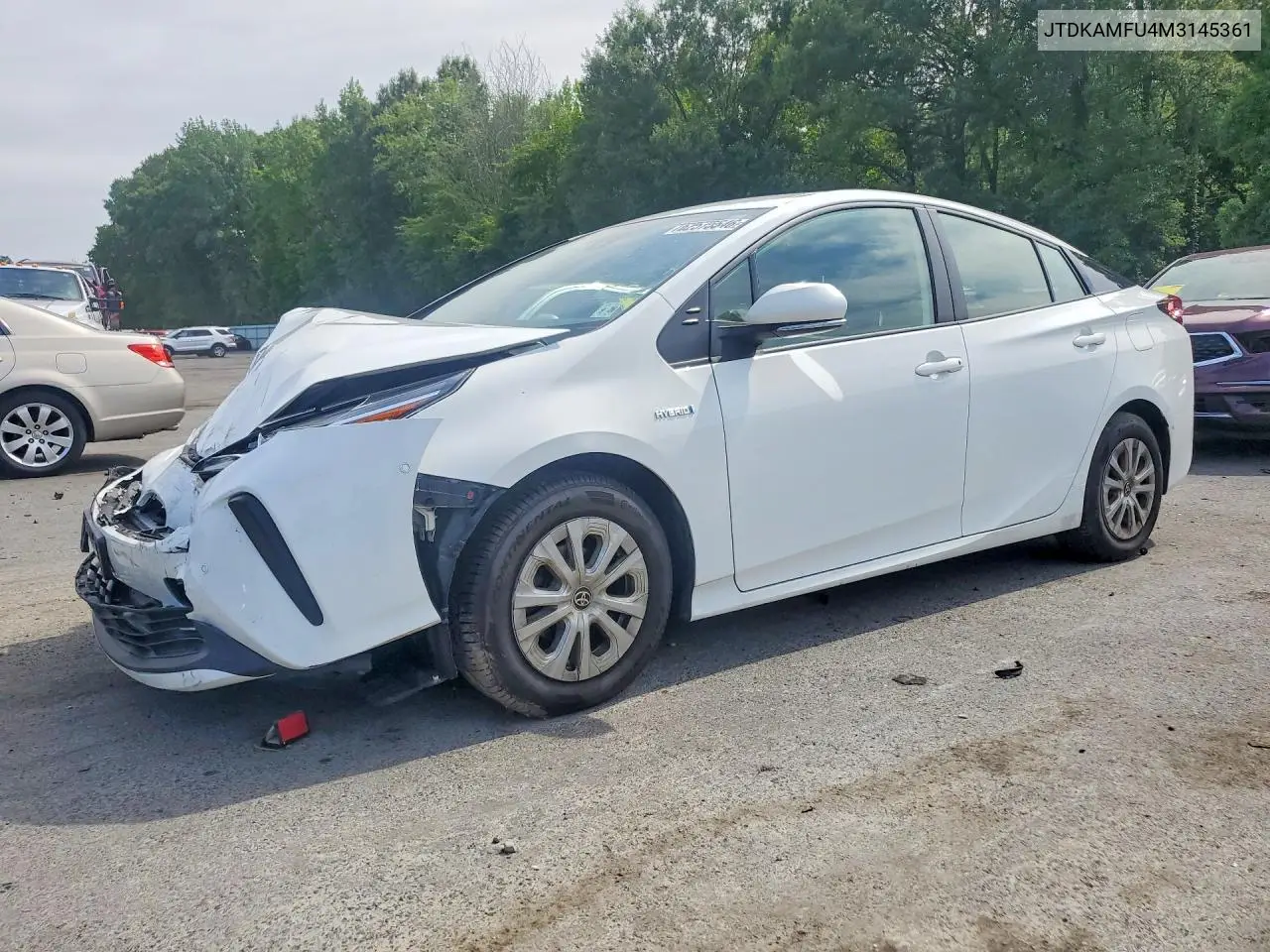 For sale
 2021 Toyota Prius
VIN JTDKAMFU4M3145361
106,581 mi · Front End
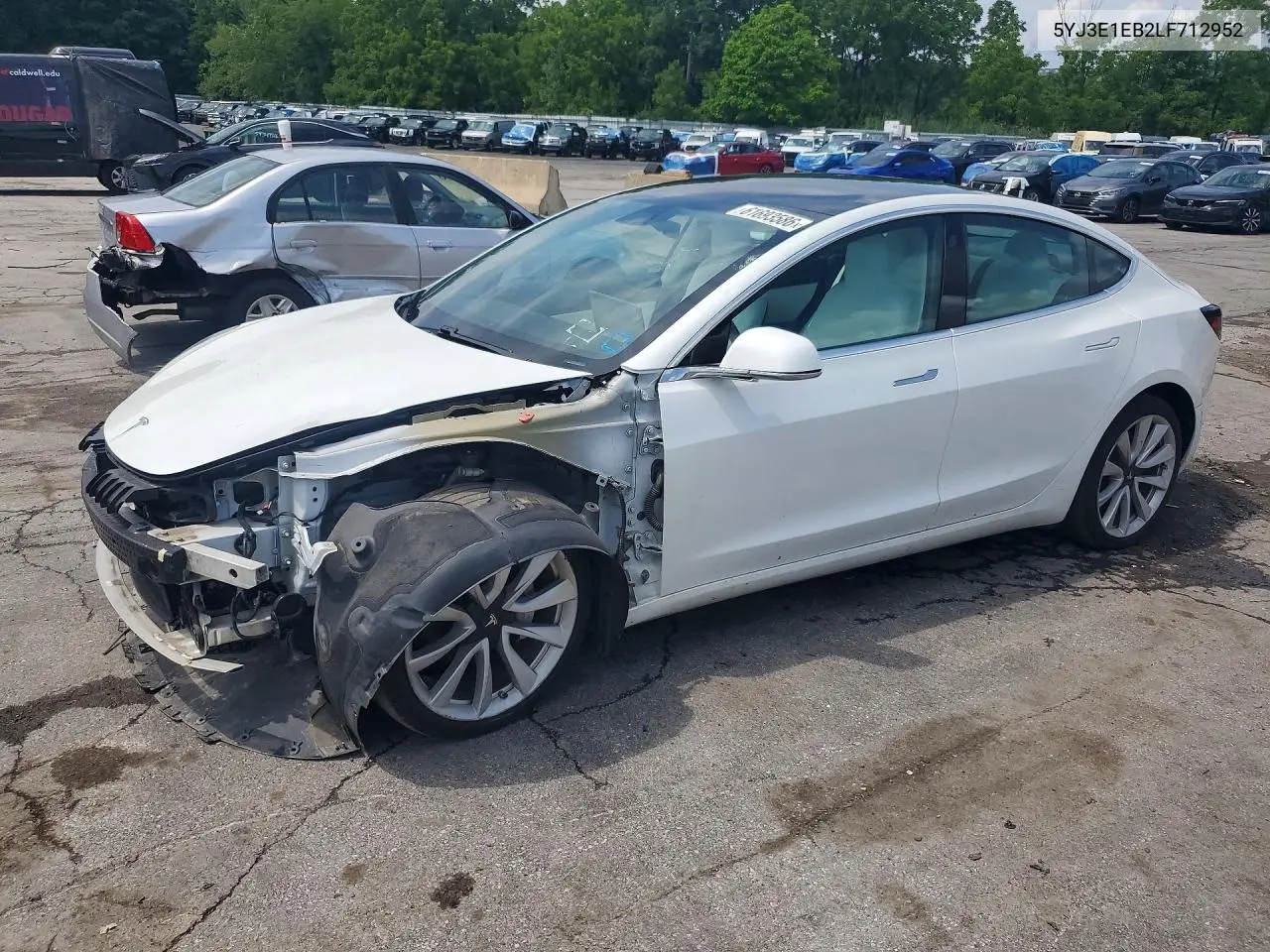 For sale
 2020 Tesla Model 3
VIN 5YJ3E1EB2LF712952
123,157 mi · Front End
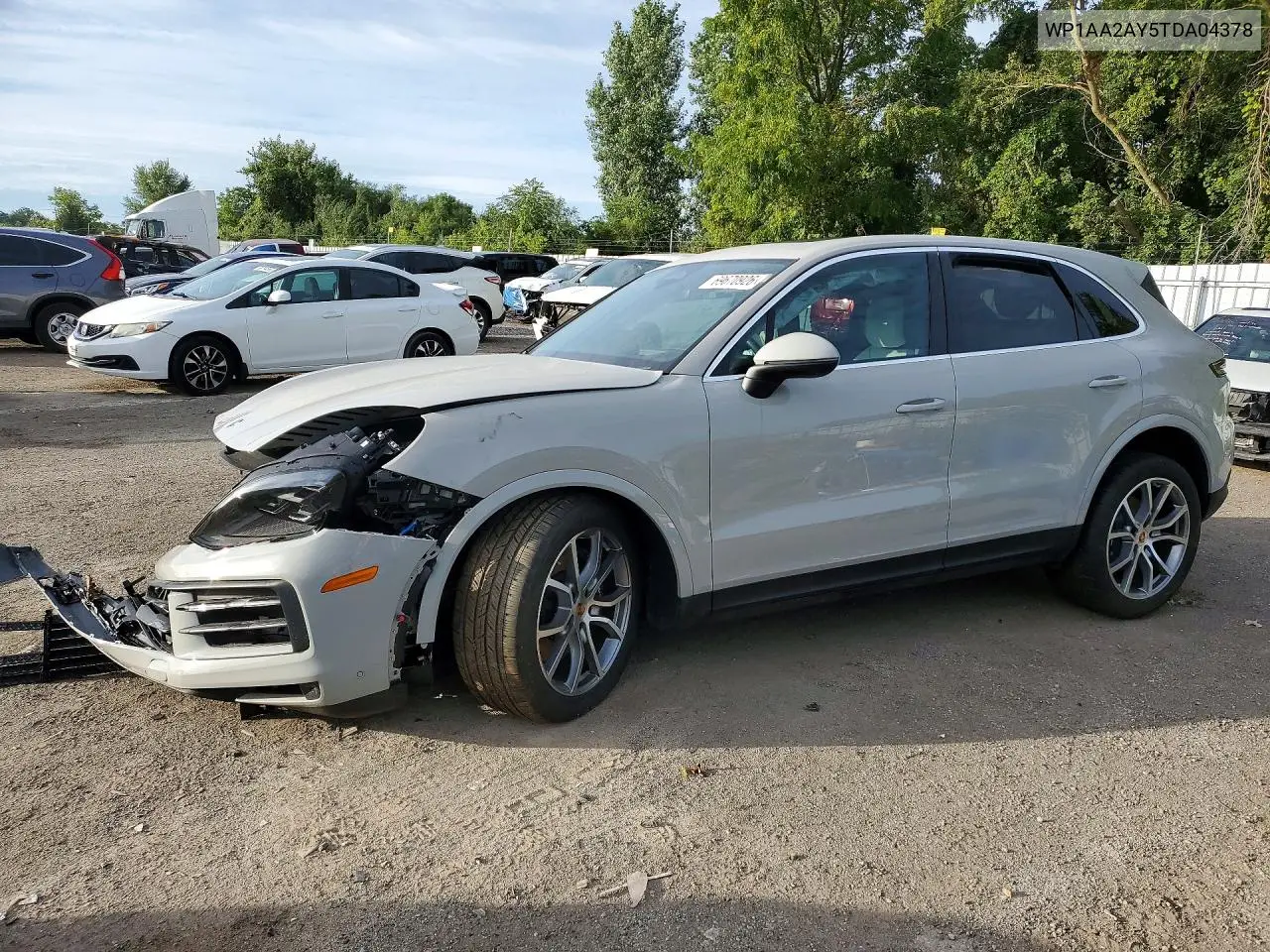 For sale
 2026 Porsche Cayenne
VIN WP1AA2AY5TDA04378
Undercarriage
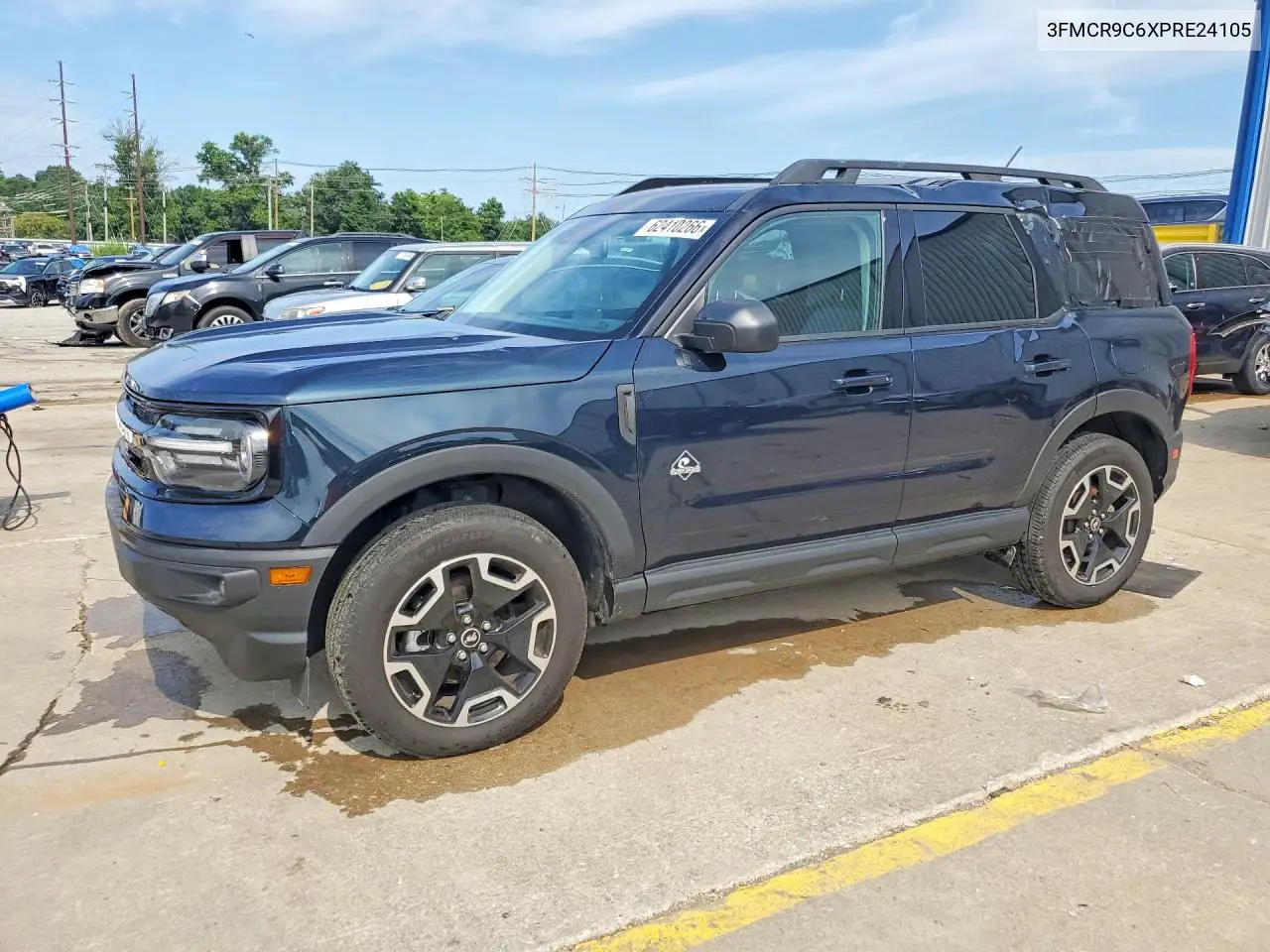 For sale
 2023 Ford Bronco Sport
VIN 3FMCR9C6XPRE24105
21,215 mi · Side
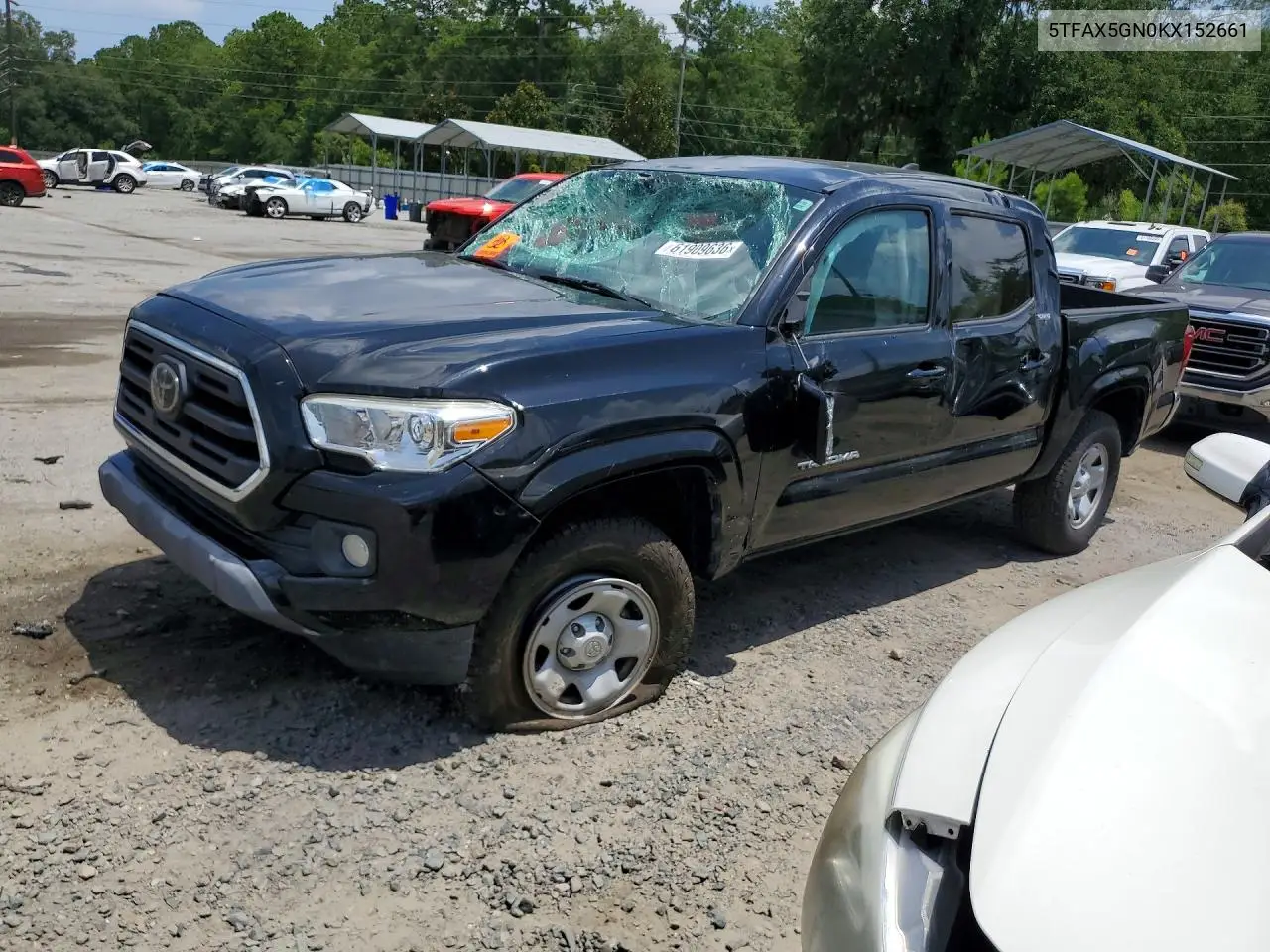 For sale
 2019 Toyota Tacoma
VIN 5TFAX5GN0KX152661
74,134 mi · Rollover
VIN tools & guides
What you get
Sales & bids
Current and final auction bids, buy-now prices and the seller’s reserve where disclosed
Auction info
Hidden lot information
Seller info
Insurance or dealer
VIN decode
Specs decoded from the VIN
Vehicle report
Full history & photos
How it works
- 01
Enter the VIN
Type any 17-character VIN, or paste an auction lot number.
- 02
We search the archive
We match it across Copart, IAAI, Impact and Encar sale history.
- 03
See the full history
Photos, declared damage, odometer, condition and the final bid.
Last sold vehicles
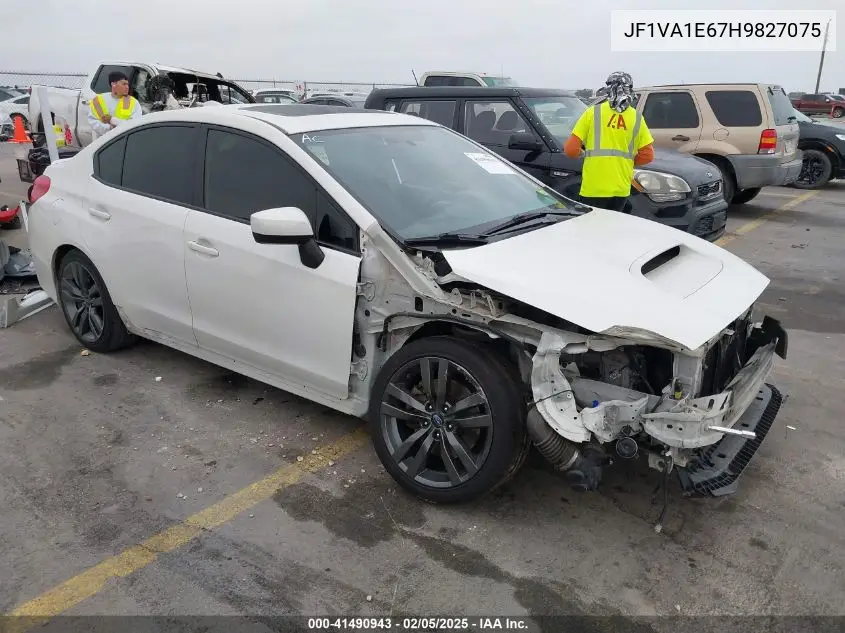
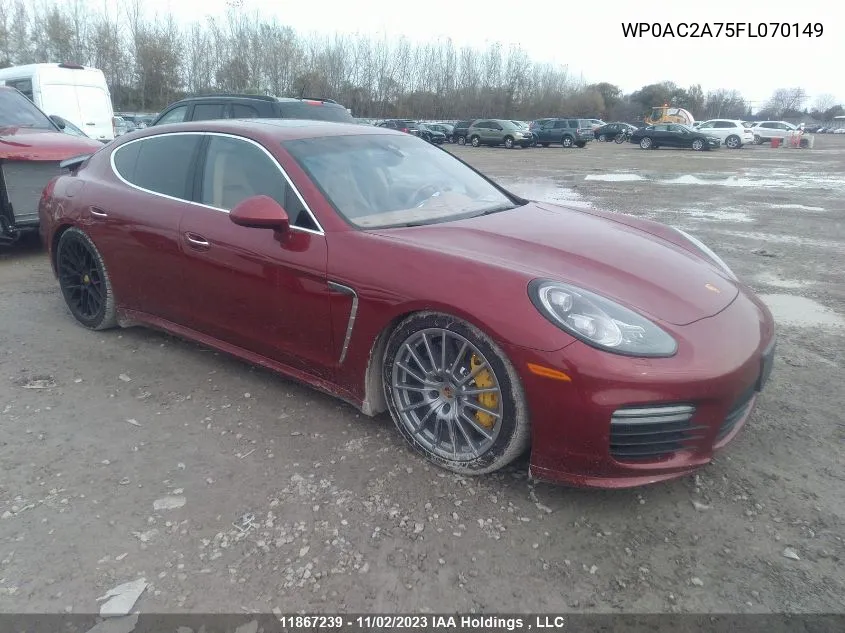
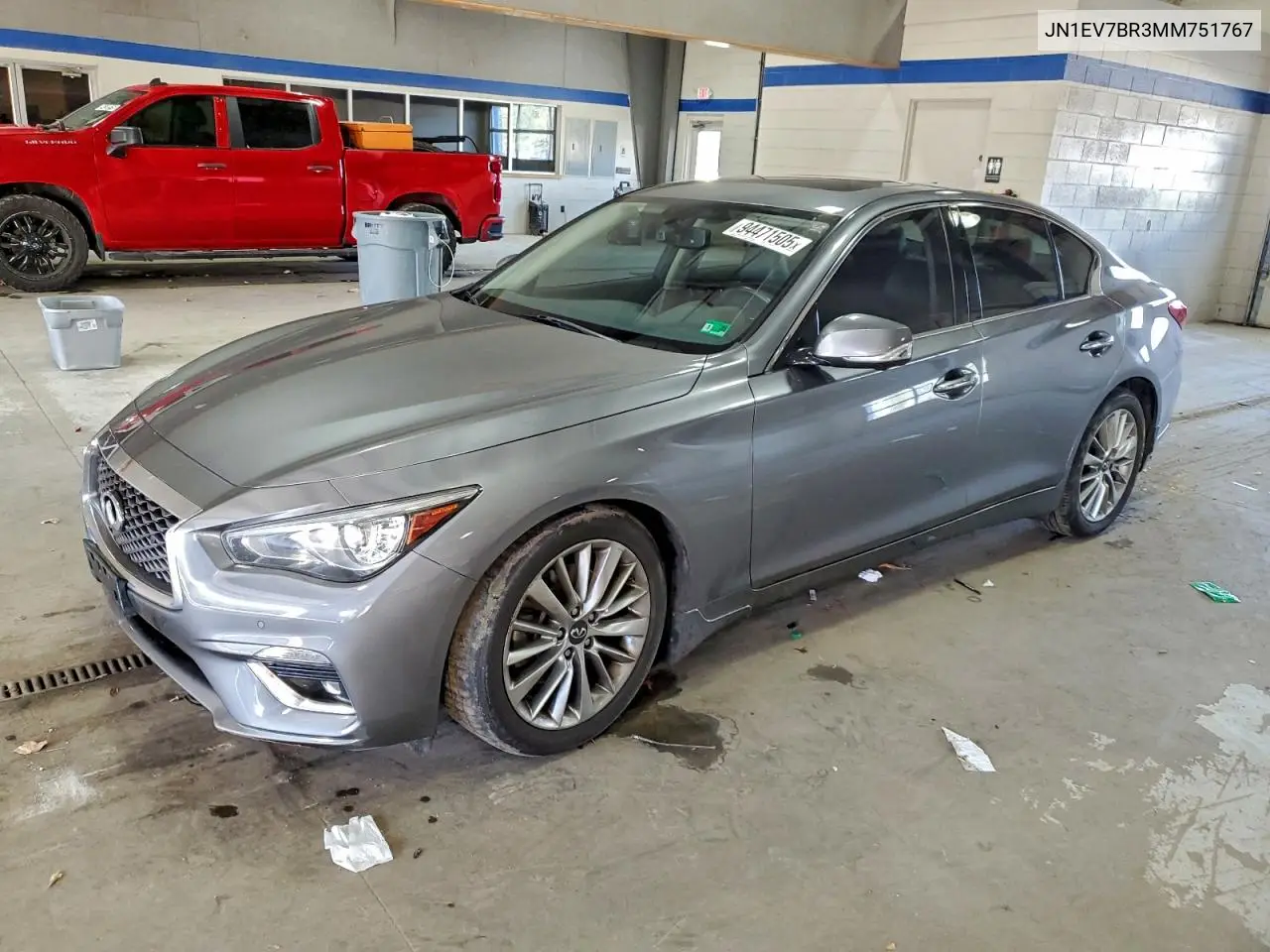
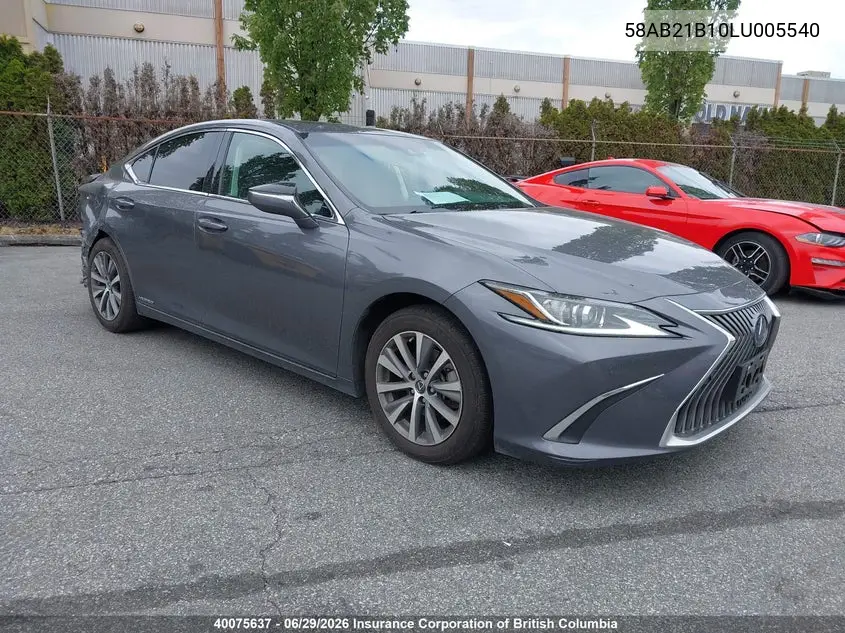
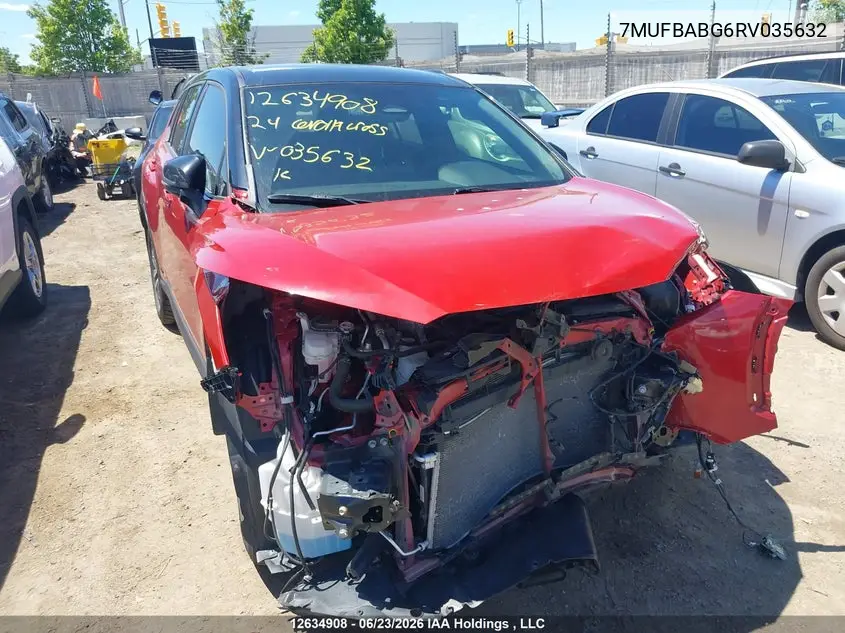
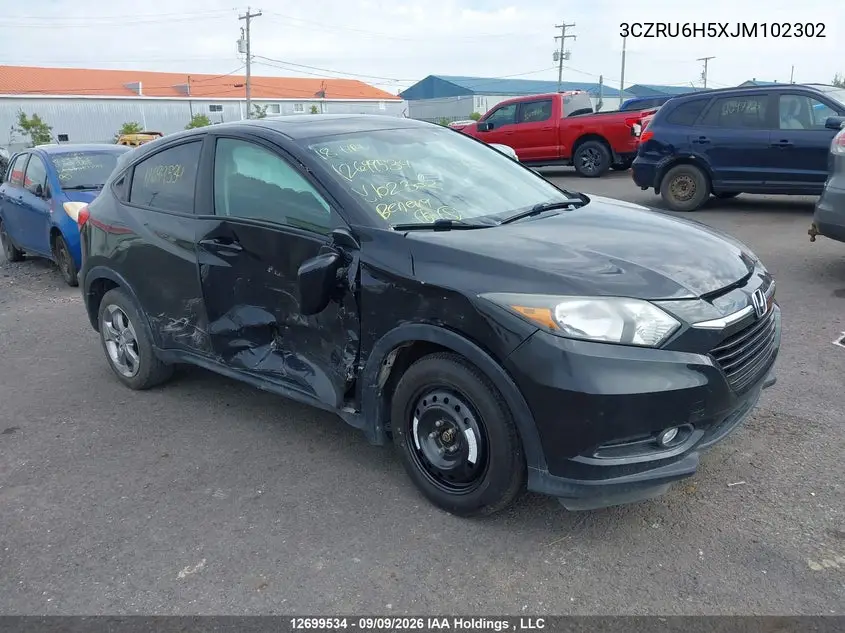
Recently searched
Popular makes
Auction & salvage history for any VIN
rcmotorsports is a VIN history database for salvage and auction vehicles. Look up a VIN to see archived auction photos, declared damage, odometer readings, title brands and the final hammer price from US, Canadian and Korean auctions — before you buy.
Our data comes from the major auction sources, so you can verify a car’s past, spot prior accidents and understand what it really sold for.
Frequently asked questions
What is a VIN and where do I find it?
A VIN is the 17-character Vehicle Identification Number stamped on the dashboard, the driver-door jamb and the title. Enter it to pull the full auction history.
Which auctions do you cover?
We aggregate sale history from Copart, IAAI, Impact and Encar across the US, Canada and Korea.
What information will I see?
Archived photos, primary and secondary damage, odometer, title/document type, condition, location, seller and the final auction bid.
Is the VIN lookup free?
Basic VIN lookups and the sale summary are free — enter any VIN to check what we have on file.
How often is the data updated?
New lots are imported every day, so recently sold vehicles appear shortly after the auction closes.
Can I check if a car was flooded?
Often, yes. Flood and water damage are recorded in the declared primary-damage field on many Copart and IAAI lots, so if a car was sold as a flood loss it usually shows when you search the VIN.
Do you show a full accident history?
No — we show what was declared at the auction (damage, odometer, title type and sale price), not a complete accident or ownership history. For that, use an NMVTIS provider or Carfax; the two are complementary.